
What is a Web Feed?
RSS, Atom, JSON Feed. The protocols that let you subscribe to the internet without asking an algorithm for permission.
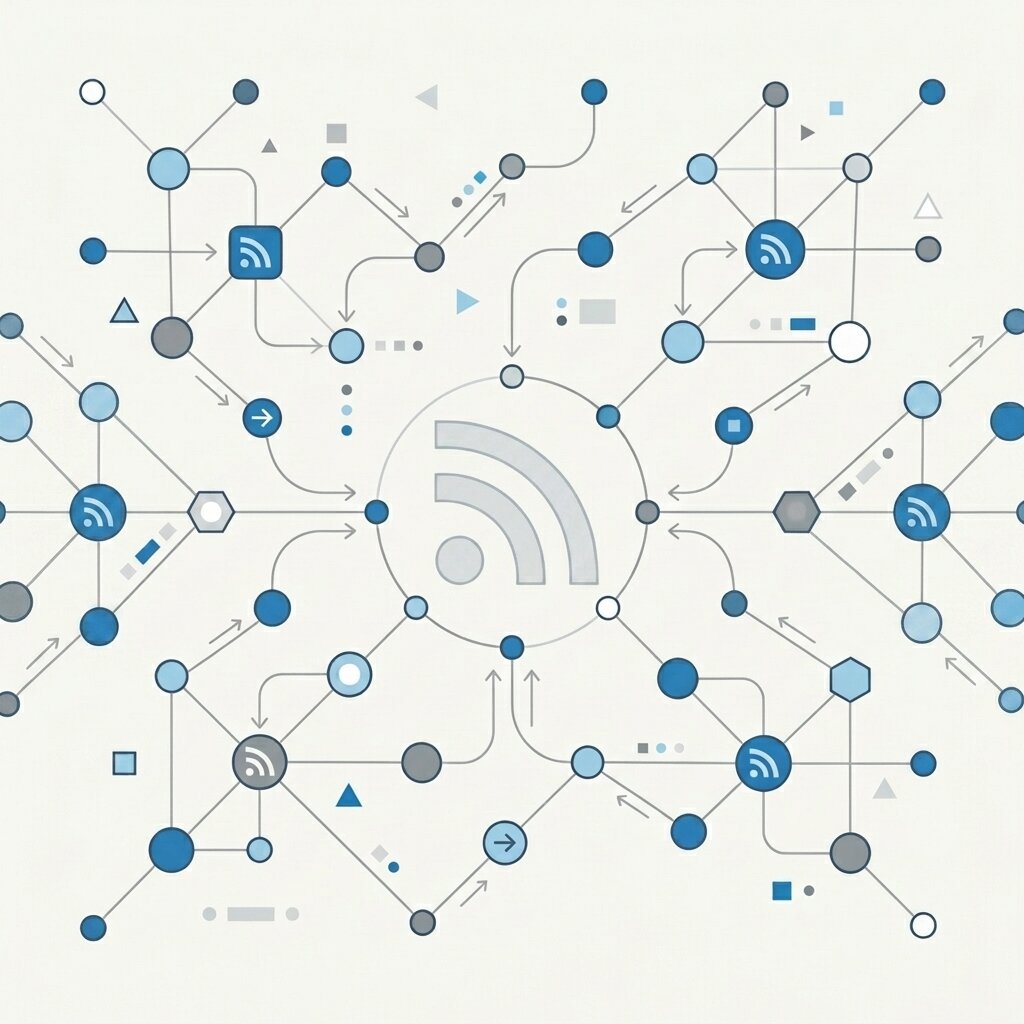
A web feed is a machine-readable document, published in RSS, Atom, or JSON Feed format, that delivers new content from a website directly to your feed reader app. No email signup, no account, no algorithmic filtering. You paste a URL into your reader, and new posts just show up.
Easiest analogy: it's like subscribing to a podcast, but for written content. You pick the sources. You decide when to read. No algorithm inserts itself between you and the thing you asked for.
The Problem with Platforms
Right now, staying up to date mostly means handing control to someone else's algorithm. Social media and email newsletters are basically the only two options, and honestly, both are broken:
- Algorithms pick favourites. Platforms optimise for engagement and outrage, not quality. Thoughtful posts get buried. Inflammatory ones get amplified. You're not choosing what you read; the algorithm is.
- You're renting someone else's audience. The platform owns the connection between writer and reader. Tomorrow they can throttle reach, inject ads, or change the rules entirely.
- Newsletters come with baggage. They want your email address, they stuff your inbox, and they embed tracking pixels that silently report when you opened, where you were, and how many times you re-read.
Protocols, Not Platforms: The Solution
A web feed (RSS or Atom) is a machine-readable document that a website updates whenever it publishes something new. Instead of you remembering to check back, the website tells you.
The underlying concept is called "pull technology." You install a piece of software called a Feed Reader, point it at the sites you care about, and it checks their servers on a schedule you set. New content gets pulled into one clean, quiet, unified inbox. No login required.
No tracking cookies. No algorithmic ranking. No distracting web chrome. You own your own timeline.
RSS vs. Atom vs. JSON Feed
Three major feed formats exist. All three do the same job; they just express it differently. Here's the quick comparison:
| Format | Syntax | Standard | Best For |
|---|---|---|---|
| RSS 2.0 | XML | Advisory Board (2002) | Maximum backwards compatibility |
| Atom 1.0 | XML | IETF RFC 4287 (2005) | Strict validation, i18n, recommended default |
| JSON Feed 1.1 | JSON | jsonfeed.org (2017) | Developer tooling, AI agents, API-native readers |
For this site, grab the Atom feed if you want the default reader-friendly option. If you prefer RSS 2.0, use the RSS feed. If you're piping content into automation or dev tooling, use the JSON Feed.
Beyond RSS: AI & The Fediverse
Feeds aren't just for humans anymore. Two big shifts have turned them into something much more important than a convenience feature.
The Fediverse: Feeds as Social Infrastructure
Decentralised social networks like Mastodon, Ghost, Pixelfed, and WriteFreely all run on ActivityPub. Strip the branding away and ActivityPub is really just a structured feed protocol. So when you publish a web feed, you're already speaking the Fediverse's native language. Ghost publishes every post as both an Atom feed and an ActivityPub activity. Mastodon users can follow your blog like any other account.
Bluesky's AT Protocol works differently under the hood, but the idea is the same: structured data, published openly, consumed directly. No corporate middleman.
AI Agents: Feeds as Data Pipelines
Autonomous AI agents (using things like the Model Context Protocol) need a reliable, structured way to read the open web. Feeds are exactly that. An RSS or JSON Feed gives an agent clean, timestamped, semantically tagged content. No scraping. No guesswork. No anti-bot walls to fight through.
If you publish a feed, your content is available to both people and agents. If you don't? You're invisible to an entire generation of readers.
Data Portability: OPML
What happens when your favourite feed reader shuts down? On platforms, you lose everything. Your follows, your history, years of curation. With feeds? You export one file and move on.
That file is OPML (Outline Processor Markup Language). It's the standard format for exporting and importing your entire subscription list. Every serious reader supports it. You're never locked in.
Human-Readable XML: XSLT
Ever clicked an RSS link and hit a wall of raw XML? That's not the feed being broken. That's your browser not knowing how to render it.
XSLT stylesheets fix this. They're small transformation files that tell the browser how to display a feed as a proper, readable webpage instead of raw angle brackets. This site uses XSLT on its XML feeds. Try it: open the Atom feed and you'll see a clean, styled page with subscribe instructions built right in.
How Do I Start?
Two minutes. Seriously.
Step 1: Pick a Feed Reader
There are loads of good feed readers out there, free and paid. Here's what I'd recommend by platform:
- Web/Cloud: Feedbin (recommended), Feedly, Inoreader
- Mac/iOS: NetNewsWire (free, open-source), Reeder
- Windows: Fluent Reader, QuiteRSS
- Linux / CLI: Newsboat (for terminal lovers)
- Android: ReadYou, Feeder
- Power Users: Readwise Reader, Miniflux (self-hosted)
Step 2: Copy the Feed Link
Head to my feed page and hit the "Copy URL" button. The available feeds:
- /feed/atom ← canonical Atom feed for most readers
- /feed/rss ← canonical RSS 2.0 feed
- /feed/json ← canonical JSON Feed 1.1 for dev tools, agents, and JSON-native readers
Step 3: Paste and Subscribe
Open your reader. Hit "Add" or "Subscribe." Paste the URL.Done. New Field Notes show up in your reader whenever I publish.
FAQ
- Do I need a special app to use web feeds?
- Yes, but it's painless. You need a feed reader. Could be a web app, could be a terminal tool, could be something on your phone. Paste in a URL, and new posts just show up.
- Is RSS different from Atom in a way that matters?
- Not really. Both are XML. Modern readers handle both without you thinking about it. This site publishes both Atom and RSS 2.0, so you can use whichever your reader prefers.
- Do web feeds track me like newsletters?
- No. Your reader checks a public URL. That's it. No email address handed over, no tracking pixels phoning home, no ranking algorithm deciding what you "really" want to see.
- Can I move my subscriptions between apps?
- Yes, via OPML. Export a file from one reader, import it into another. Every subscription comes with you. Total portability.
Acknowledgments & Further Reading
I didn't invent any of this. The people below have been building and advocating for feed technology for years. Worth a read if you want to go deeper:
- AboutFeeds.com – Best getting-started resource for RSS newbies.
- An Introduction to Web Feeds – Hunden's deep-dive on feeds, privacy, and decentralisation.
- JSON Feed Spec v1.1 – The official spec.
- W3C ActivityPub – The protocol behind Mastodon and the Fediverse.
Ready?
The quiet side of the internet is waiting.
Subscribe via Atom → | Subscribe via JSON Feed →
RSS 2.0: /feed/rss